Best Parental Control Software & Internet Filter
Protect your family from harmful and inappropriate sites on the
internet, set screen time, block and restrict activities that include
online frauds, suspicious activity alerts and help parents to have
control on the internet.
The Best Parental Control To Keep Your Kids And Family Safe Online
Live Monitoring
It is associated with the advanced feature of live monitoring the activity of the user while using the services of the internet. And through this you can keep an eye on what kind of content your kid is exposed to.
Content Restriction
Restriction on adult websites and harmful content is in your hand. Therefore the user is secured from malicious content and websites.
Management
The software allows you to control the duration of your internet access. The activity over the internet becomes managerial and controllable with the help of this parental control system.
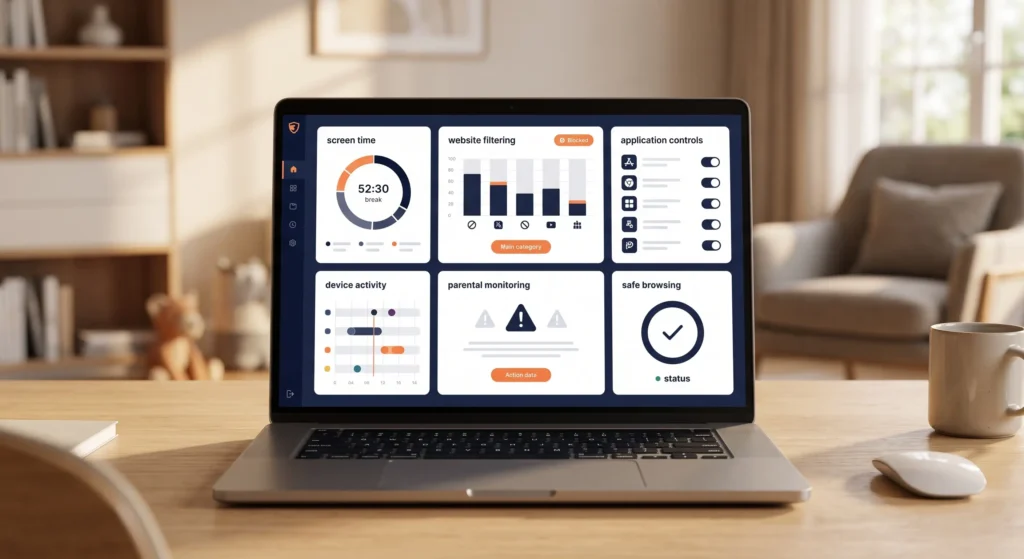
Innovations of BroShield provide the user satisfactory results:
- Immediate reporting of online searches.
- Parents have access over the child's activity.
- Alarms the users in case of any malicious and adult content are available on the sites on which a child has the verge to get the access.
- It's one of the best parental controls on your home network.
How Does BroShield Actually Safeguards?
Parental Monitoring
Parents are now free from a habit of continuously watching their child's activity. It reduces the work load of parents and helps them to manage their child's activity from a distance as well.
Web Firewall
It filters the content on the internet according to the users' restriction. So the parents do not have to worry all the time.
Censored adult content
The USP of the software gives an upper-hand by censoring adult and malicious websites, contents and URLs. It works like an adult web blocker. It can be best used as a parental protection.
Managing access over internet
Giving the control to the parents over their activity by setting up the duration they spend on browsing.
Block irrelevant apps
With this, an application containing malicious and adult content gets blocked.
Restrict websites
The website that is inappropriate according to the norms is restricted immediately with the activation of such software.
The #-1 Rated Internet Filter
BroShield protects your kids from viewing unsafe content and lets them
browse online safe and secure. You can keep an eye on the web searches
your kid is exposed to. It also has parental apps for children’s phones.
Features of BroShield
- Blocking unwanted or harmful websites.
- Restricting specific computer files and folders.
- Help parents to have full parent control on the internet.
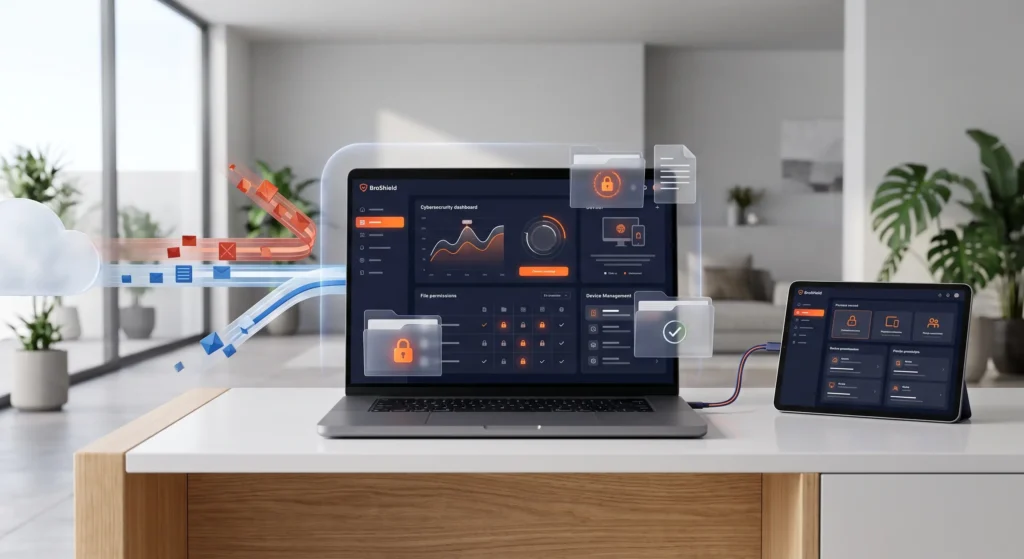
Parental Control
- The Parental control feature of BroShield helps you to get full authority over the internet.
- You can keep an eye on what kind of content your kid is exposed to.
- Restriction of adult websites and harmful content is in your hand.
- Allows you to control the internet access time.
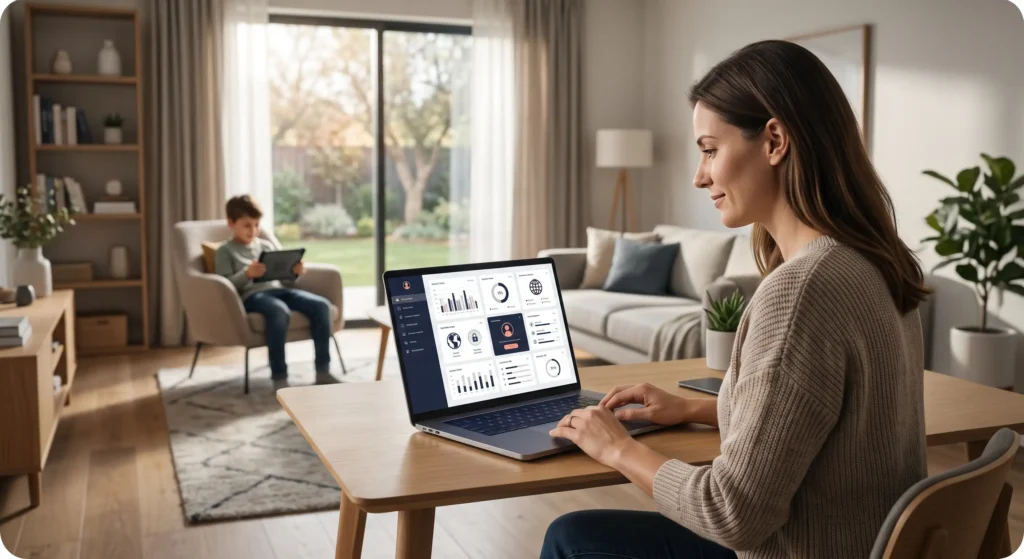
Protect Your Home and Office Computers
Real time monitoring
BroShield runs 24/7 to look for viruses and threats and keep the computer in full monitoring, to block the potential threats.
Smart fail-safe Engine
The smart feature of BroShield fail-safe is designed to look for all the remote snooping activities to prevent your PC from getting compromised.
Robotic troubleshooting
BroShield feature of Robotic troubleshooting helps you to get all your system problems fixed by the experts of support and help.
Suspicious Activity Alerts
BroShield Suspicious Activity Alerts provides you with fast alerts after detection and blocking of a virus or threat.
Automatic Updates
Automatic Updates of BroShield is to give you nonstop service of anti-virus detention and blocking.
24/7 Technical Support
Technical support and the help of highly experienced teams are present 24/7 in all 365 days of a year, to provide you with help and guidance.
System Requirement
- Supported operating systems and IoT Edition (32 or 64-bit)
- High-speed connection
- Optimally standard screen resolution no less than 1024 x 768 pixels.
- 1 GHz Processor
- 2 GB RAM and 1.3 GB free drive space
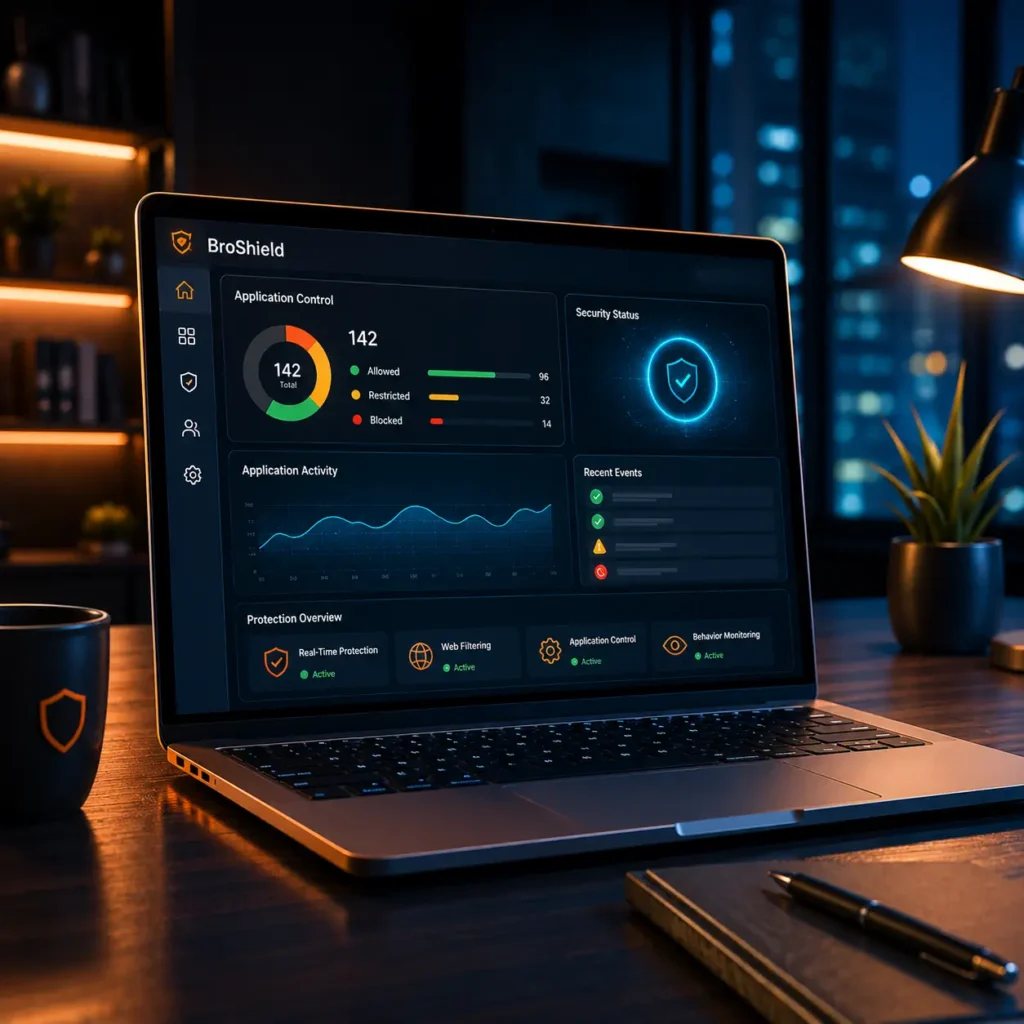
Bring attention to your kids
How do I put parental control on my home network?
BroShield provides a centralized dashboard to manage all connected devices in your home network with just a few clicks.
How can I monitor my child's internet usage?
BroShield is one of the easiest and best software to monitor a child’s internet usage. It is easy to install and lets parents manage their child’s screen time, filter online content, block certain apps and websites. It also has features that allow the parent to monitor his kid’s online activity.
Can you put a parental lock on wifi?
Yes, BroShield integrates directly with your WiFi management to restrict access at the source.
How do I block adult content on my wifi?
Our dynamic filter automatically identifies and blocks adult content categories across all browsers and apps.